

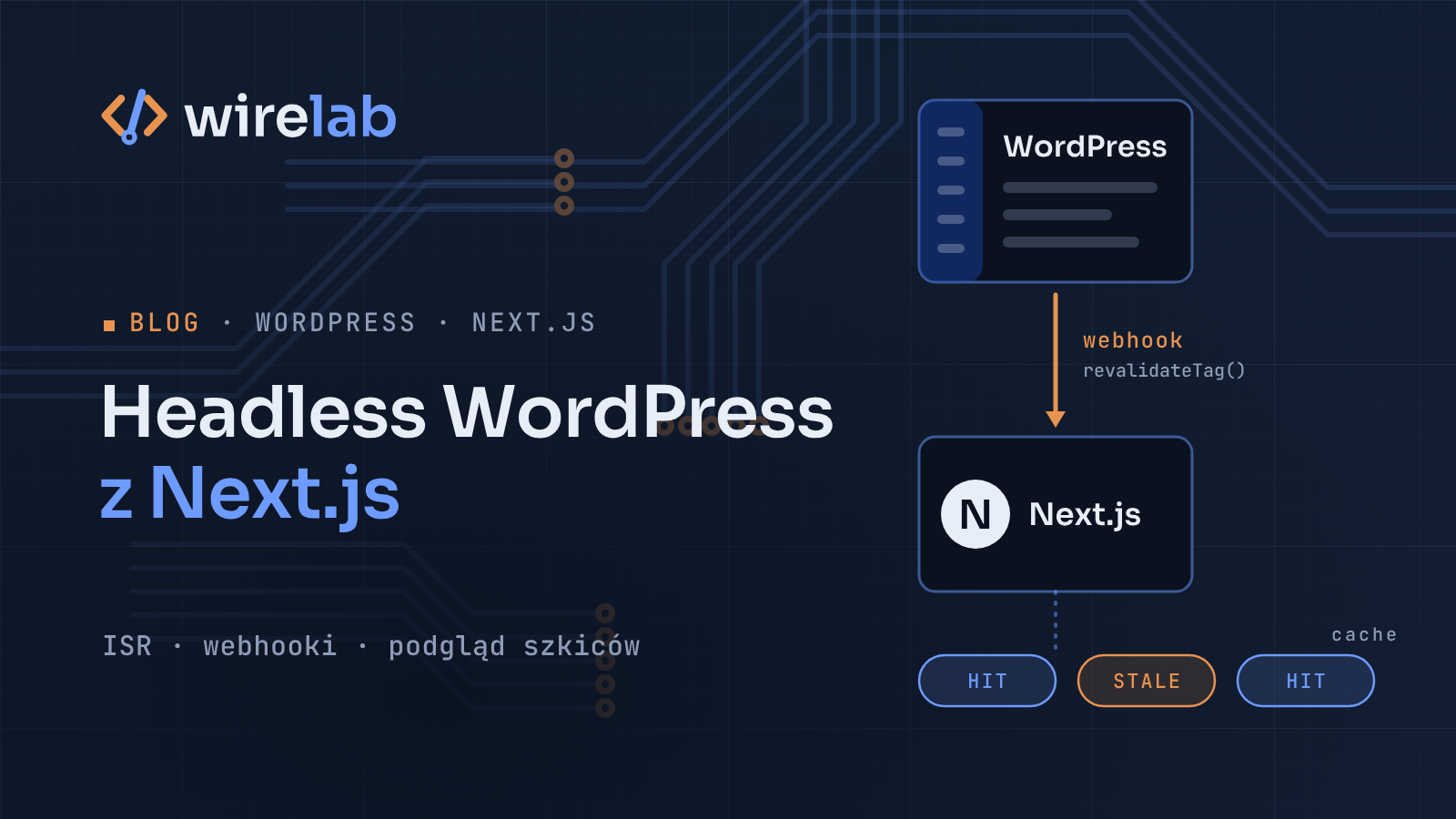
Editors often want to keep the WordPress panel they know, while the site needs a faster and more flexible front end than a theme allows. A headless setup gives each side what it needs: WordPress for writing, Next.js for rendering. Below is how I put together a headless WordPress with Next.js App Router setup that holds up in production, from choosing between WPGraphQL and the REST API to caching with ISR, webhook revalidation, Draft Mode previews, remote images and SEO metadata.
The code targets Next.js 16. Several APIs changed recently and many tutorials still show the old versions, so I'll flag those as we go.
Why use headless WordPress with Next.js App Router?
With a headless setup, WordPress only serves data, and Next.js decides when to render and how long to cache. Pages are served from cache without a full rebuild for every typo fix, and the public site doesn't expose wp-admin at all.
The price: theme plugins (sliders, page builders, script-injecting shortcodes) won't render, and forms, comments and search need API-based replacements. Sites built on a visual page builder should probably stay classic.
WPGraphQL vs REST API: which one should you use?
WordPress ships with the REST API (/wp-json/wp/v2/...). WPGraphQL is a free plugin that adds a /graphql endpoint.
REST API | WPGraphQL | |
|---|---|---|
Setup | Built in | Install a plugin |
Payload | Fixed shape, often large | You ask for exactly the fields you need |
Related data |
| Nested in one query |
Plugin ecosystem | Most plugins register REST routes | Extensions for ACF, Yoast, Rank Math and others |
Caching at the HTTP layer | Easy (GET requests) | Usually POST, so you rely on the Next.js data cache |
Rule of thumb: for posts, pages and featured images, REST is fine and saves a dependency. For custom fields, menus or SEO data in one round trip, WPGraphQL pays for itself. The rest of this guide uses WPGraphQL, but the caching and revalidation parts work the same way with REST (/wp-json/wp/v2/posts?slug=hello-world&_embed).
Setting up the Next.js data layer for WordPress
Create the project with npx create-next-app@latest, pick TypeScript and the App Router, then add environment variables:
# .env.local
WP_GRAPHQL_URL=https://cms.example.com/graphql
WP_APP_USER=next-preview
WP_APP_PASSWORD="xxxx xxxx xxxx xxxx xxxx xxxx"
REVALIDATE_SECRET=change-me-long-random-string
PREVIEW_SECRET=another-long-random-string
The WP_APP_* pair is a WordPress Application Password (Users → Profile) for a dedicated Editor-role user, used only for previews. Next, a typed fetch helper that tags every published query so you can invalidate it precisely:
// lib/wp.ts
type GraphQLResponse<T> = { data?: T; errors?: { message: string }[] }
type QueryOptions = {
tags?: string[]
preview?: boolean
}
export async function wpQuery<T>(
query: string,
variables: Record<string, unknown> = {},
{ tags = [], preview = false }: QueryOptions = {}
): Promise<T> {
const headers: Record<string, string> = { 'Content-Type': 'application/json' }
if (preview) {
const auth = Buffer.from(
`${process.env.WP_APP_USER}:${process.env.WP_APP_PASSWORD}`
).toString('base64')
headers.Authorization = `Basic ${auth}`
}
const res = await fetch(process.env.WP_GRAPHQL_URL!, {
method: 'POST',
headers,
body: JSON.stringify({ query, variables }),
...(preview
? { cache: 'no-store' as const }
: { next: { revalidate: 3600, tags: ['wordpress', ...tags] } }),
})
if (!res.ok) throw new Error(`WPGraphQL HTTP ${res.status}`)
const json = (await res.json()) as GraphQLResponse<T>
if (json.errors?.length) throw new Error(json.errors[0].message)
return json.data as T
}
export type WPPost = {
databaseId: number
slug: string
title: string
excerpt: string
content: string
date: string
modified: string
featuredImage: {
node: {
sourceUrl: string
altText: string
mediaDetails: { width: number; height: number }
}
} | null
}
const POST_FIELDS = `
databaseId slug title excerpt content date modified
featuredImage { node { sourceUrl altText mediaDetails { width height } } }
`
export async function getPostBySlug(slug: string): Promise<WPPost | null> {
const data = await wpQuery<{ post: WPPost | null }>(
`query PostBySlug($slug: ID!) { post(id: $slug, idType: SLUG) { ${POST_FIELDS} } }`,
{ slug },
{ tags: [`post:${slug}`] }
)
return data.post
}
export async function getPreviewPost(id: number): Promise<WPPost | null> {
const data = await wpQuery<{ post: WPPost | null }>(
`query Preview($id: ID!) {
post(id: $id, idType: DATABASE_ID, asPreview: true) { ${POST_FIELDS} }
}`,
{ id },
{ preview: true }
)
return data.post
}
// WPGraphQL returns rendered titles with HTML entities (’, &).
// Metadata needs plain text, or you get double-escaped titles.
const ENTITIES: Record<string, string> = { amp: '&', quot: '"', lt: '<', gt: '>', nbsp: ' ', hellip: '…' }
export function toPlainText(html: string): string {
return html
.replace(/<[^>]+>/g, '')
.replace(/&#(\d+);/g, (_, n: string) => String.fromCharCode(Number(n)))
.replace(/&(\w+);/g, (m, name: string) => ENTITIES[name] ?? m)
.trim()
}
export async function getAllSlugs(): Promise<string[]> {
const data = await wpQuery<{ posts: { nodes: { slug: string }[] } }>(
`query Slugs { posts(first: 100) { nodes { slug } } }`,
{},
{ tags: ['posts'] }
)
return data.posts.nodes.map((p) => p.slug)
}
WPGraphQL caps first at 100; paginate with pageInfo on bigger sites.
Rendering WordPress posts with dynamic routes
In current Next.js, params is a Promise; the synchronous destructuring in older tutorials no longer type-checks:
// app/blog/[slug]/page.tsx
import { notFound } from 'next/navigation'
import Image from 'next/image'
import { getAllSlugs, getPostBySlug } from '@/lib/wp'

type Props = { params: Promise<{ slug: string }> }

export const revalidate = 3600

export async function generateStaticParams() {
  const slugs = await getAllSlugs()
  return slugs.map((slug) => ({ slug }))
}

export default async function PostPage({ params }: Props) {
  const { slug } = await params
  const post = await getPostBySlug(slug)
  if (!post) notFound()

  const img = post.featuredImage?.node

  return (
    <article>
      <h1 dangerouslySetInnerHTML={{ __html: post.title }} />
      {img && (
        <Image
          src={img.sourceUrl}
          alt={img.altText}
          width={img.mediaDetails.width}
          height={img.mediaDetails.height}
          priority
        />
      )}
      <div dangerouslySetInnerHTML={{ __html: post.content }} />
    </article>
  )
}
On single sites, administrators and editors can save raw HTML, so if you don't fully trust everyone with those roles, sanitize content on the server (for example with sanitize-html) before rendering it.
ISR and on-demand revalidation with a WordPress webhook
revalidate = 3600 gives you time-based ISR: cached pages regenerate in the background at most once an hour. That's a safety net, but editors expect changes to appear right after clicking Update, which calls for on-demand revalidation.
The Next.js revalidation route handler
// app/api/revalidate/route.ts
import { revalidateTag } from 'next/cache'
import { timingSafeEqual } from 'node:crypto'

function safeEqual(a: string, b: string) {
  const ab = Buffer.from(a)
  const bb = Buffer.from(b)
  return ab.length === bb.length && timingSafeEqual(ab, bb)
}

export async function POST(request: Request) {
  const secret = request.headers.get('x-revalidate-secret') ?? ''
  if (!safeEqual(secret, process.env.REVALIDATE_SECRET ?? '')) {
    return Response.json({ ok: false }, { status: 401 })
  }

  const { slug } = (await request.json().catch(() => ({}))) as { slug?: string }

  if (slug) revalidateTag(`post:${slug}`, { expire: 0 })
  revalidateTag('posts', 'max')

  return Response.json({ ok: true, slug: slug ?? null })
}
Heads-up: single-argument revalidateTag(tag) is deprecated. The second argument sets how long stale content may be served: 'max' means stale-while-revalidate (fine for lists), while { expire: 0 } makes the next request wait for fresh data, which the docs recommend for webhooks. To invalidate by URL instead, use revalidatePath('/blog/[slug]', 'page').
The WordPress side: a tiny mu-plugin
Drop this into wp-content/mu-plugins/next-revalidate.php and define the two constants in wp-config.php:
<?php
/**
 * Plugin Name: Next.js revalidation webhook
 */

add_action('wp_after_insert_post', function (int $post_id, WP_Post $post, bool $update, ?WP_Post $post_before): void {
    if ($post->post_type !== 'post' || wp_is_post_revision($post_id) || wp_is_post_autosave($post_id)) {
        return;
    }
    // Only care about content that is, or was, public.
    $was_public = $post_before instanceof WP_Post && $post_before->post_status === 'publish';
    if ($post->post_status !== 'publish' && !$was_public) {
        return;
    }

    wp_remote_post(NEXT_REVALIDATE_URL, [
        'headers'  => [
            'Content-Type'        => 'application/json',
            'X-Revalidate-Secret' => NEXT_REVALIDATE_SECRET,
        ],
        'body'     => wp_json_encode(['slug' => $post->post_name]),
        'timeout'  => 5,
        'blocking' => false,
    ]);
}, 10, 4);

add_filter('preview_post_link', function (string $link, WP_Post $post): string {
    return add_query_arg(
        ['secret' => NEXT_PREVIEW_SECRET, 'id' => $post->ID],
        NEXT_PREVIEW_URL
    );
}, 10, 2);
I hook into wp_after_insert_post (WordPress 5.6+) rather than transition_post_status, because it fires after post meta and terms are saved, so the webhook can't overtake the data. 'blocking' => false keeps the editor fast but hides errors. Switch it to true and log the response while you're setting things up.
Draft Mode previews for WordPress editors
The preview_post_link filter sends WordPress's Preview button to your app. Draft Mode sets a bypass cookie so only that browser skips the cache. Note that draftMode() is now async:
// app/api/draft/route.ts
import { draftMode } from 'next/headers'
import { redirect } from 'next/navigation'
import { getPreviewPost } from '@/lib/wp'

export async function GET(request: Request) {
  const { searchParams } = new URL(request.url)
  const id = Number(searchParams.get('id'))

  if (searchParams.get('secret') !== process.env.PREVIEW_SECRET || !id) {
    return new Response('Invalid preview request', { status: 401 })
  }

  const post = await getPreviewPost(id)
  if (!post) return new Response('Post not found', { status: 404 })

  const draft = await draftMode()
  draft.enable()
  redirect(`/preview/${post.databaseId}`)
}
The preview page queries by database ID with asPreview: true, since drafts may lack a final slug:
// app/preview/[id]/page.tsx
import { draftMode } from 'next/headers'
import { notFound } from 'next/navigation'
import { getPreviewPost } from '@/lib/wp'

export default async function PreviewPage({
  params,
}: {
  params: Promise<{ id: string }>
}) {
  const { isEnabled } = await draftMode()
  if (!isEnabled) notFound()

  const { id } = await params
  const post = await getPreviewPost(Number(id))
  if (!post) notFound()

  return (
    <article>
      <p role="status">Draft preview</p>
      <h1 dangerouslySetInnerHTML={{ __html: post.title }} />
      <div dangerouslySetInnerHTML={{ __html: post.content }} />
    </article>
  )
}
Application Passwords over Basic auth work for WPGraphQL requests, so the preview query can see drafts. Check it on your own install, though: some security plugins and Apache/CGI hosts strip the Authorization header. Serve WordPress over HTTPS only.
Configuring next/image remotePatterns for WordPress media
next/image refuses remote URLs you haven't allow-listed. Keep the pattern as narrow as you can:
// next.config.ts
import type { NextConfig } from 'next'

const nextConfig: NextConfig = {
  images: {
    remotePatterns: [
      {
        protocol: 'https',
        hostname: 'cms.example.com',
        port: '',
        pathname: '/wp-content/uploads/**',
        search: '',
      },
    ],
  },
}

export default nextConfig
Leaving out protocol, port, pathname or search implies a wildcard, which the docs warn against. Also, Next.js 16 blocks optimizing images from local IP addresses by default, so a WordPress dev box at 192.168.x.x needs a hostname (or dangerouslyAllowLocalIP, in development only).
SEO metadata with generateMetadata
Add this to the post page for per-article titles, descriptions, canonical URLs and Open Graph images (memoized fetch means no second WordPress query). Pass titles through toPlainText, or WPGraphQL's entities end up double-escaped as &amp; in <title>:
// app/blog/[slug]/page.tsx (continued)
import type { Metadata } from 'next'
import { toPlainText } from '@/lib/wp'

export async function generateMetadata({ params }: Props): Promise<Metadata> {
  const { slug } = await params
  const post = await getPostBySlug(slug)
  if (!post) return { title: 'Not found', robots: { index: false } }

  const title = toPlainText(post.title)
  const description = toPlainText(post.excerpt).slice(0, 155)
  const image = post.featuredImage?.node.sourceUrl

  return {
    title,
    description,
    alternates: { canonical: `/blog/${post.slug}` },
    openGraph: {
      type: 'article',
      title,
      description,
      publishedTime: post.date,
      modifiedTime: post.modified,
      images: image ? [image] : [],
    },
  }
}
Set metadataBase in your root layout so relative canonical URLs resolve to your public domain. Yoast and Rank Math have WPGraphQL extensions exposing a seo field you can map onto the same object.
If you're planning a project like this, I describe how I work on web apps and websites.
FAQ
Do I need WPGraphQL for headless WordPress with Next.js App Router?
No. The built-in REST API covers posts, pages and media. WPGraphQL pays off once you need custom fields, menus or SEO data in one request.
How do I update a Next.js page right after publishing in WordPress?
Send a webhook from WordPress to a route handler that calls revalidateTag or revalidatePath, and keep time-based ISR as a fallback.
Why does my old revalidateTag('posts') call show a deprecation warning?
Current Next.js expects a second argument: 'max' for stale-while-revalidate, or { expire: 0 } to expire data immediately from a webhook.
How do editors preview drafts in a headless setup?
Point WordPress's preview link at a Next.js route handler that checks a secret, calls (await draftMode()).enable(), and redirects to a page that fetches the draft with authentication.