

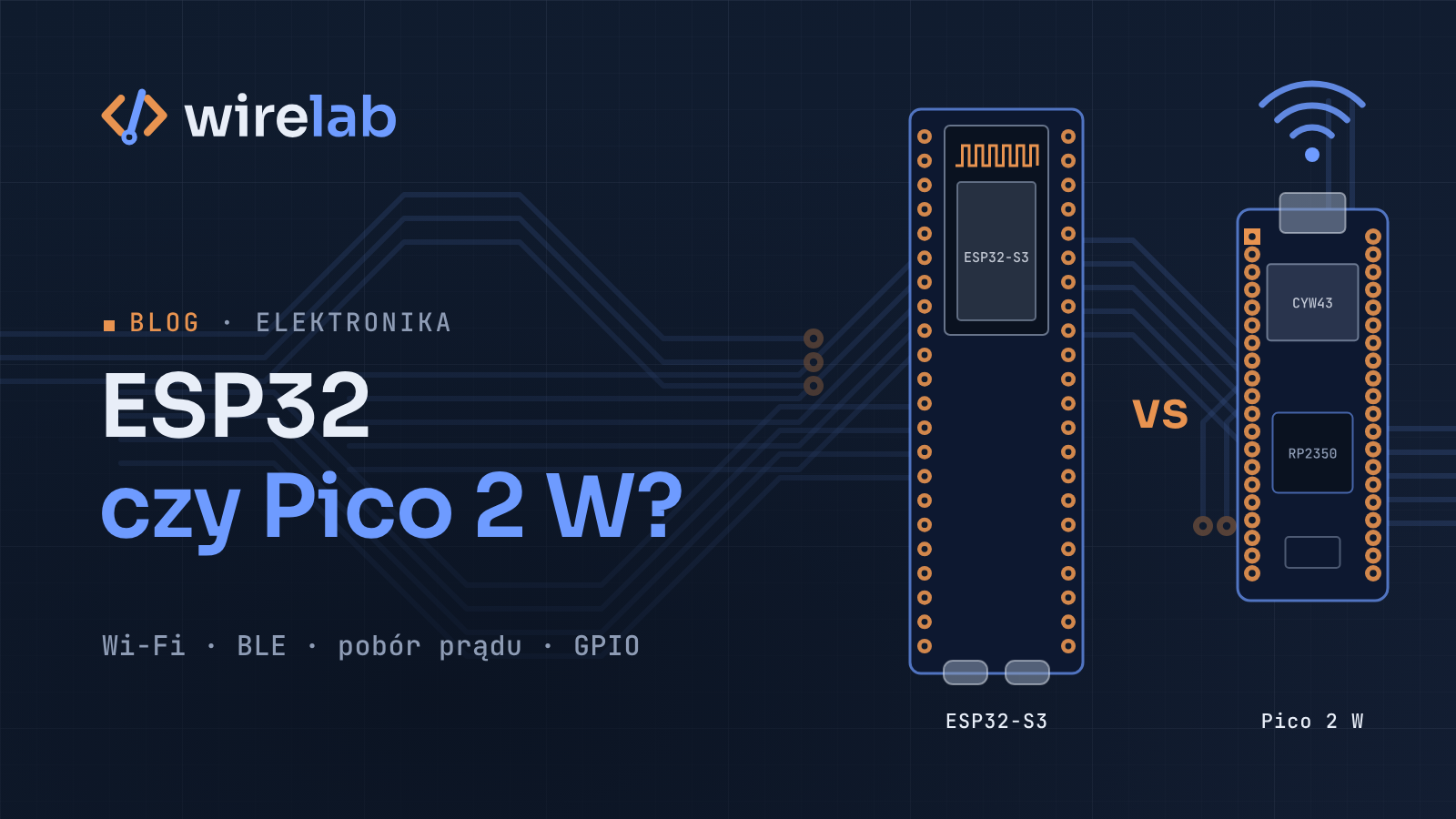
You want a cheap Wi-Fi microcontroller for your next project, and two names keep coming up: Espressif's ESP32 and the Raspberry Pi Pico 2 W. Most comparisons online are either outdated (they pit an original ESP32 against the first Pico W) or treat "ESP32" as one chip, which it isn't. This ESP32 vs Raspberry Pi Pico 2 W comparison sticks to the manufacturers' own datasheets and documentation, and it ends with concrete recommendations for common project types.
"ESP32" is a family, not a single chip
When someone says "ESP32", they might mean any of several quite different chips. The ones you'll most often find on hobby dev boards:
ESP32 (the original): dual-core (or single-core) Xtensa LX6, Wi-Fi plus Bluetooth Classic and Bluetooth LE. Still everywhere, though Espressif now marks several of its variants as "not recommended for new designs".
ESP32-S3: dual-core Xtensa LX7, Wi-Fi plus Bluetooth LE, native USB OTG, camera and LCD interfaces, and SIMD instructions that help with signal processing and small ML models.
ESP32-C3: a single RISC-V core. It's small, simple and low-power, with Wi-Fi and Bluetooth LE, and it fills the niche the older ESP8266 used to occupy.
ESP32-C6: RISC-V, with Wi-Fi 6 (2.4 GHz), Bluetooth LE and 802.15.4 (Thread and Zigbee), plus a separate low-power RISC-V core.
The family keeps growing. The ESP32-C5 adds dual-band 2.4 and 5 GHz Wi-Fi 6, the ESP32-H2 drops Wi-Fi entirely in favour of Bluetooth LE and 802.15.4, and the ESP32-P4 is a high-performance chip with no radio at all. When you compare, always ask which ESP32.
The Pico 2 W, by contrast, is one specific board: Raspberry Pi's RP2350 microcontroller paired with an Infineon CYW43439 wireless chip.
ESP32 vs Raspberry Pi Pico 2 W specs: comparison table
All figures below come from Espressif's chip datasheets and Raspberry Pi's Pico 2 W documentation. ESP32 numbers describe the chip. Flash size, exposed pins and the USB setup depend on the module or dev board you buy.
ESP32 | ESP32-S3 | ESP32-C3 | ESP32-C6 | Pico 2 W (RP2350) | |
|---|---|---|---|---|---|
CPU | 1–2× Xtensa LX6 | 2× Xtensa LX7 | 1× RISC-V | 1× RISC-V (HP) + 1× RISC-V (LP) | 2× Cortex-M33 or 2× Hazard3 RISC-V |
Max clock | 240 MHz | 240 MHz | 160 MHz | 160 MHz (HP), 20 MHz (LP) | 150 MHz |
SRAM | 520 KB | 512 KB | 400 KB | 512 KB HP + 16 KB LP | 520 kB |
Flash | External or in-package | External or in-package | External or in-package | External or in-package | 4 MB on board |
Wi-Fi | 802.11b/g/n, 2.4 GHz | 802.11b/g/n, 2.4 GHz | 802.11b/g/n, 2.4 GHz | Wi-Fi 6 (802.11ax), 2.4 GHz | 802.11n, 2.4 GHz, WPA3 |
Bluetooth | v4.2 BR/EDR (Classic) + LE | Bluetooth 5 (LE only) | Bluetooth 5 (LE only) | Bluetooth 5 (LE only; 5.3 certified) | Bluetooth 5.2, LE + Classic |
802.15.4 (Thread/Zigbee) | No | No | No | Yes | No |
GPIO | 34 (chip) | 45 (chip) | 22 (chip) | 30 or 22 (chip) | 26 (board) |
Native USB | No | Full-speed OTG + USB Serial/JTAG | USB Serial/JTAG | USB Serial/JTAG | USB 1.1 device and host |
Deep-sleep current (chip, datasheet) | 10 µA | 7 µA | 5 µA | 7 µA | Sleep and dormant modes; measure your board |
Notable extras | Touch, DAC, Ethernet MAC, ULP coprocessor | Camera/LCD interfaces, SIMD, ULP | Tiny, simple, low power | Thread/Zigbee, LP core | 12 PIO state machines, Arm TrustZone |
The raw CPU and RAM numbers are closer than most forum threads suggest; the real differences are in the radios, power management and peripherals.
Wi-Fi and Bluetooth: ESP32 vs Pico 2 W connectivity
Every chip in the table does 2.4 GHz Wi-Fi. None of them, including the Pico 2 W, does 5 GHz (for that you'd need the ESP32-C5). The differences are elsewhere:
Wi-Fi 6 is only on the ESP32-C6 (and C5) here. For a sensor node, it matters mostly on busy networks and for power-saving features like Target Wake Time (TWT), not for raw speed.
Bluetooth Classic is available on the original ESP32 and on the Pico 2 W. The S3, C3 and C6 are Bluetooth LE only. If you need Classic profiles, for example a serial-port-style link to an old device, that rules out the newer ESP32 variants.
Thread and Zigbee (802.15.4) are only on the C6 in this lineup. That matters if you're building Matter-over-Thread or Zigbee devices.
Architecture: on ESP32 chips, the radio is part of the SoC. On the Pico 2 W, the CYW43439 is a separate chip connected over SPI, and the RP2350 talks to it through a driver. It works well, but the radio stack's timing, memory and the SPI link all take some RP2350 resources.
Power consumption and deep sleep
If your project runs on batteries, this section probably decides it.
Espressif designs its chips around deep sleep. The datasheets list chip-level deep-sleep figures of 10 µA (ESP32), 7 µA (ESP32-S3), 5 µA (ESP32-C3) and 7 µA (ESP32-C6). An RTC domain, ULP or LP coprocessors, and memory that survives deep sleep let a sensor wake, send a reading and go back to sleep. MicroPython, Arduino and ESP-IDF all expose this directly:
# ESP32 + MicroPython: wake every 10 minutes, send, sleep
import machine
import network
import time

wlan = network.WLAN(network.WLAN.IF_STA)
wlan.active(True)
wlan.connect("your-network", "your-password")

start = time.ticks_ms()
while not wlan.isconnected() and time.ticks_diff(time.ticks_ms(), start) < 15000:
    time.sleep_ms(200)

if wlan.isconnected():
    pass  # publish your reading here (MQTT, HTTP, ...)

wlan.active(False)
machine.deepsleep(10 * 60 * 1000)  # the chip resets on wake-up, main.py runs again
Keep in mind that the chip figure isn't the board figure. A dev board with an always-on USB-to-serial chip, a power LED and a cheap regulator can draw far more in "deep sleep" than the chip alone. For battery work, choose a board designed for low quiescent current and measure it with a proper current meter.
The RP2350 has low-power sleep and dormant modes, plus an always-on timer. The Pico 2 W is a general-purpose board, though, and its datasheet doesn't publish a sleep-current figure you could compare like-for-like with Espressif's chip numbers. If battery life is the main requirement, prototype on the board you'll ship and measure.
Programming ecosystem: Arduino, ESP-IDF, MicroPython and the Pico SDK
Both platforms are well supported. Their centres of gravity differ.
ESP32
ESP-IDF: Espressif's official C framework, built on FreeRTOS. It's powerful and well documented, with a learning curve to match.
Arduino core for ESP32: maintained with Espressif's support, and it has a huge library ecosystem.
MicroPython: official builds for ESP32, S3, C3, C6 and newer chips on micropython.org.
ESPHome: YAML-configured firmware for Home Assistant. If your goal is "a sensor in Home Assistant by tonight", this is hard to beat.
Rust: Espressif maintains
esp-haland related crates.
Raspberry Pi Pico 2 W
Pico C/C++ SDK: Raspberry Pi's official SDK, with excellent documentation and datasheets.
MicroPython: officially documented by Raspberry Pi, and the official Pico 2 W build includes networking and the
bluetoothmodule out of the box.Arduino: through the community-maintained Arduino-Pico core, which supports RP2350 on both Arm and RISC-V cores.
Rust:
embassy-rpandrp-halfrom the community.
If you're writing MicroPython, moving between the two is surprisingly painless. network.WLAN, machine.Pin, machine.I2C and sockets work the same way, and mostly only pin numbers and low-power calls change.
PIO on the RP2350
The RP2350 contains three PIO blocks with four state machines each, twelve in total. Each state machine runs tiny assembly programs with cycle-exact timing, independently of the CPU. You can use them to:
drive WS2812 or other LED strips with precise timing,
add extra UARTs, SPI or I2C buses beyond the hardware ones,
generate video signals, read quadrature encoders, or talk to odd sensors with custom protocols.
ESP32 chips answer some of these needs with dedicated peripherals. The RMT peripheral handles LED strips and IR, the S3 has camera and LCD interfaces, and there are PWM and pulse-counter blocks. These work very well for their intended job, but they aren't general-purpose programmable I/O. If your project involves an unusual protocol or tight timing, PIO is a real reason to pick the Pico 2 W.
Price and availability
Both platforms sit firmly in the cheap-hobby-board bracket, so price rarely settles the ESP32 vs Raspberry Pi Pico 2 W question. The ESP32 world is huge and varied: dozens of vendors make boards of every size and quality, which is great for choice and less great for consistency. The Pico 2 W is a single reference design from Raspberry Pi with official documentation and a consistent pinout. Check current prices at your local distributor rather than trusting any figure in a blog post.
ESP32 or Pico 2 W: which should you choose?
Battery-powered sensor that wakes, sends and sleeps: an ESP32-C3 or C6 on a low-power board.
Home Assistant device, fast: any ESP32 with ESPHome.
Matter over Thread or Zigbee: ESP32-C6 (or H2 if you don't need Wi-Fi).
Camera, display or USB HID device: ESP32-S3.
Learning embedded programming with great docs: Pico 2 W with MicroPython or the C SDK.
Custom protocols, LED art, precise timing: Pico 2 W, thanks to PIO.
You need Bluetooth Classic: Pico 2 W or the original ESP32.
Experimenting with RISC-V: both work. The ESP32-C series is RISC-V only, and the RP2350 lets you switch between Arm and RISC-V cores.
For a first project on the Pico 2 W, start with my MicroPython getting-started guide. If you need a device built on either platform, see electronics.
FAQ
Is the Raspberry Pi Pico 2 W better than the ESP32?
Neither is better overall. The ESP32 family wins on low-power sleep, radio options and the Home Assistant ecosystem. The Pico 2 W wins on documentation, PIO and a single, consistent board design.
Which ESP32 is closest to the Pico 2 W?
In raw terms, the ESP32-S3: both are dual-core with around half a megabyte of SRAM. The S3 is BLE-only, though, while the Pico 2 W also supports Bluetooth Classic.
Can the Pico 2 W or the ESP32 use 5 GHz Wi-Fi?
The Pico 2 W and the ESP32, S3, C3 and C6 are 2.4 GHz only. Espressif's ESP32-C5 is the dual-band option.
Does MicroPython code run on both boards?
Mostly, yes. The machine and network APIs are shared, so typically only pin assignments, the onboard LED and low-power calls need changes.
Which is better for battery projects?
Usually an ESP32-C3 or C6 on a board built for low quiescent current. Whatever you choose, measure the whole board's sleep current, not just the chip's datasheet figure.